Meal Planner
Your week of meals, planned in minutes—not spreadsheets.
Cookyno is a meal planner app for organizing weekly meals, recipes, and shopping — simple meal planning for everyday cooking.


Everything you need for weekly meal planning
Less friction, more clarity—whether you cook solo or coordinate with a household.
Weekly meal planning
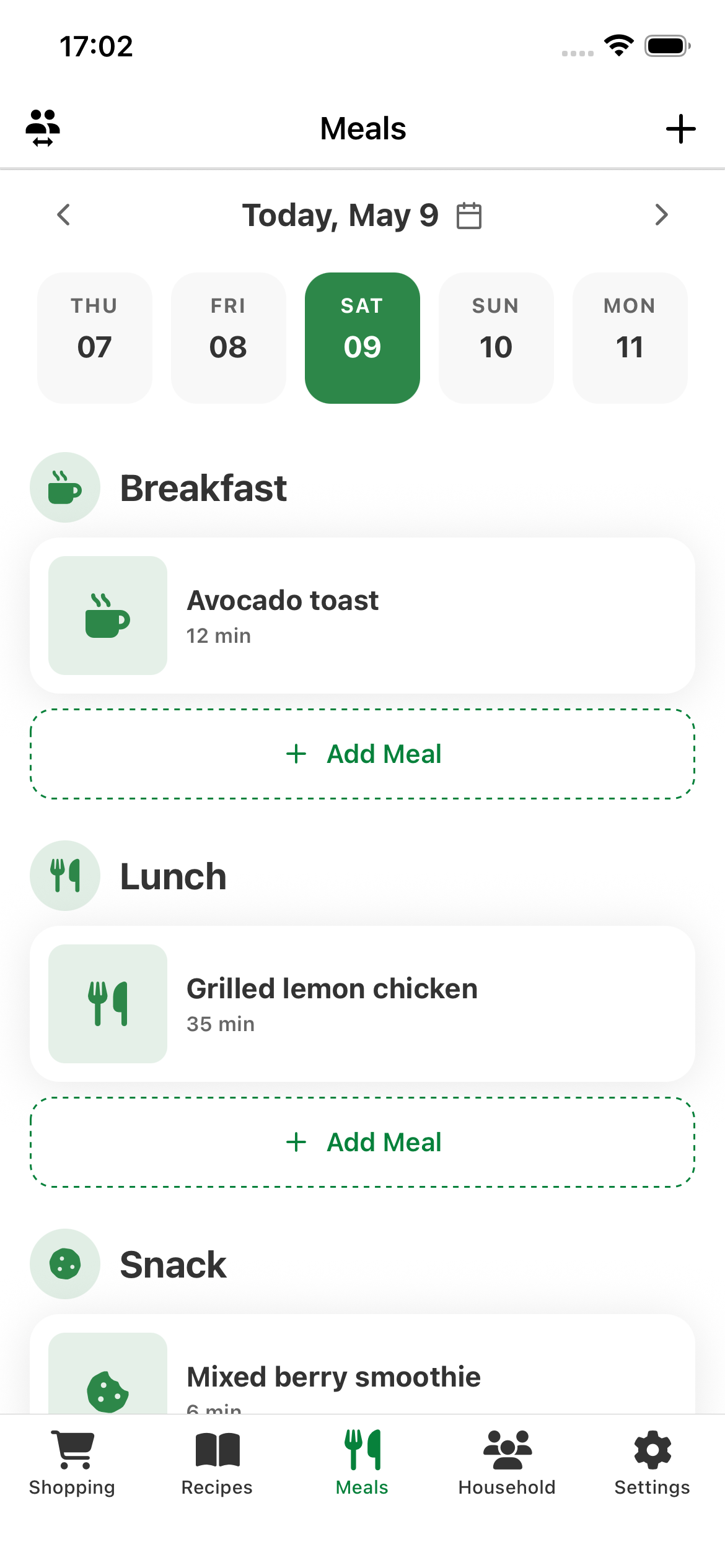
Swipe through your week and add breakfast, lunch, or dinner in seconds—no heavy recipe workflow required.
Shopping list from your plan
Ingredients from meals and recipes roll into one aggregated grocery list so you shop once, not from memory.
Recipes when you want them
Keep a simple recipe list with ingredients and attach recipes to meals when it saves you time.
Household mode (Pro)
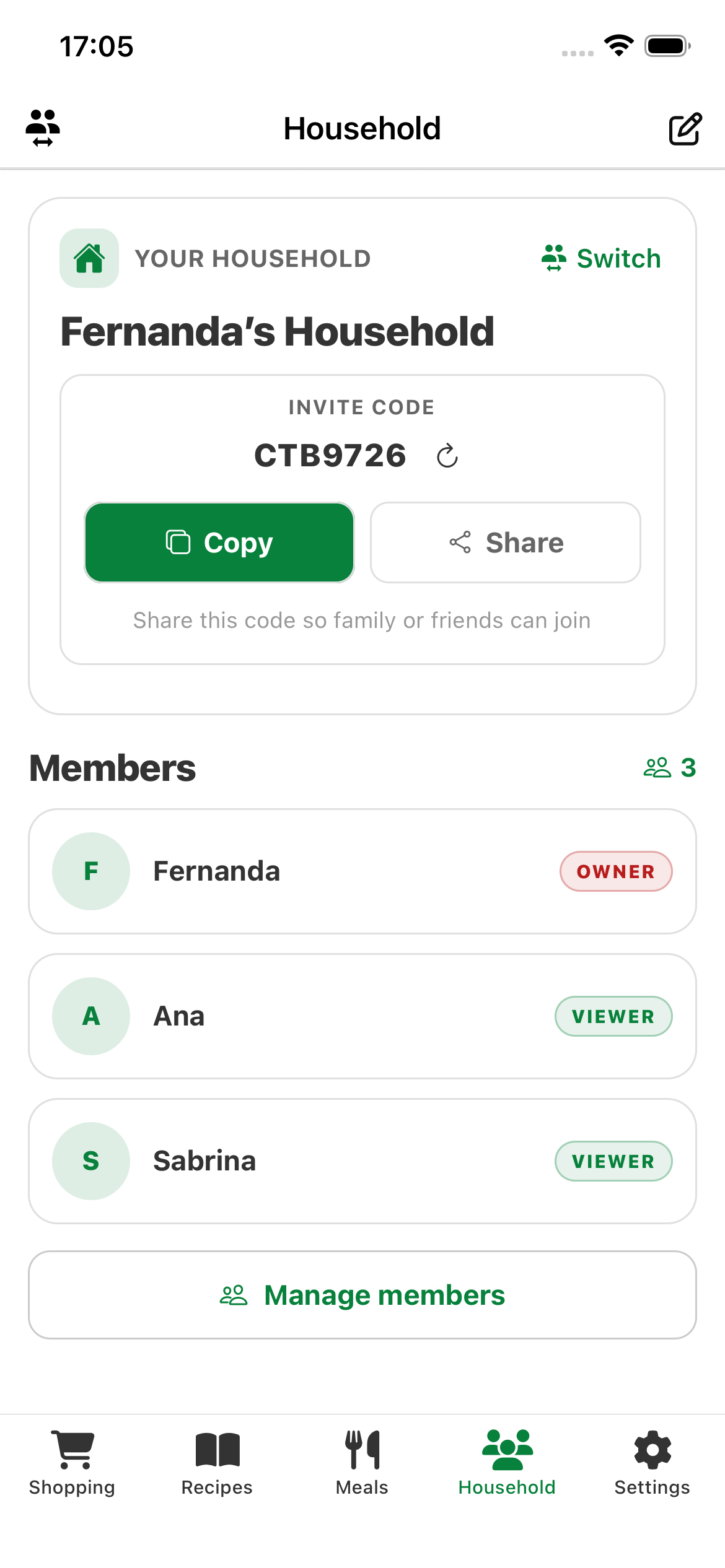
Invite family or roommates, share a household context, and collaborate with roles like owner, editor, or viewer.
How Cookyno fits your routine
Three short steps from opening the app to a usable grocery list.
- 1
Sign in & pick your context
Use Google, Apple, or email. Choose your personal planner or a shared household when available.
- 2
Fill your week
Tap a day, add meals inline, and optionally drop in ingredients or a linked recipe.
- 3
Open your shopping list
Review grouped ingredients for the week, check items off at the store, and tweak anytime.
From meals to market—one connected flow
Plan what you will eat, capture ingredients when it matters, and let Cookyno aggregate your shopping list so you spend less time rewriting sticky notes and more time cooking.
- ✓Optional ingredients per meal—never forced.
- ✓Recipes stay lightweight until you need them.
- ✓Designed for quick taps, not long forms.
Frequently asked questions
Quick answers about planning, sharing, data, and account deletion.
What is Cookyno?
Do I need to enter recipes to use the app?
How does the shopping list work?
Can I plan meals with other people?
How do I sign in?
Where is my data stored?
How do I delete my account?
Start planning this week's meals
Download Cookyno on iOS or Android and get your meal planner on track.